Logging in
New users wishing to register should go to Registration first.
Getting to the Login Page
From the Home page, click the Login button in the top right corner of the navigation bar. Alternatively, you can go to the Login page directly by visiting here.
Once you are on the Login page, you will be met with the form shown below.
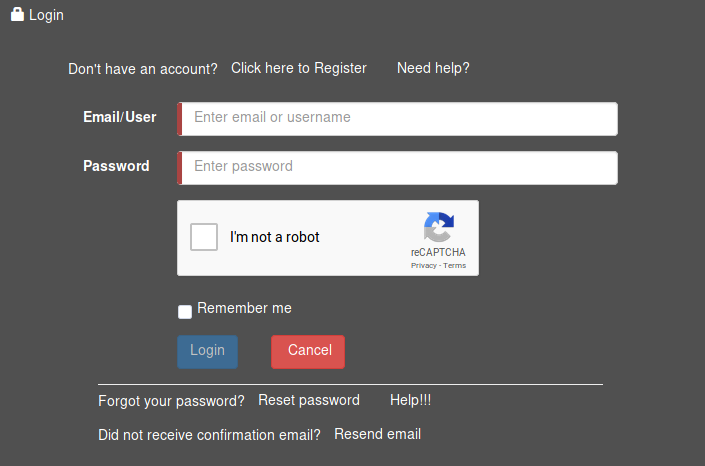
Filling in the form
- Enter the email address or the username that you entered during registration into the Email/User field.
- Enter your account password into the Password field.
- Tick the Remember me box if you wish to be automatically logged in the next time you visit the website.
Warning: Do not use Remember me if the workstation you are using is public or shared with anyone else.
- Fill in the Captcha to verify that you are a human.
- Click Login to verify your details. If your details were correct, you will be taken to the home screen. If you entered incorrect details, an error message will be displayed.