ID Number Verification
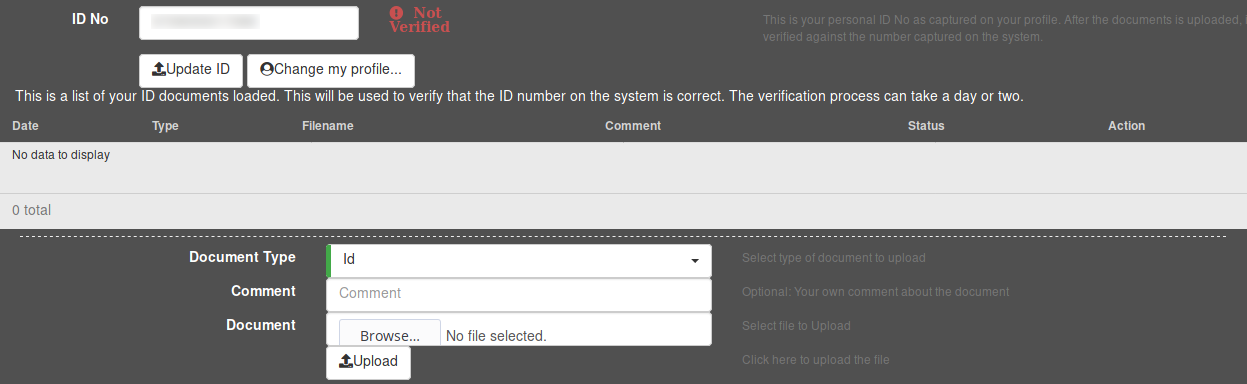
Entering your ID number
If you did not enter your ID number during registration, you can add it at any time by editing your account details. Simply enter it into the ID No field, and save your changes.
Uploading documents
To upload a document, first choose the appropriate type of document in the Document Type dropdown menu. Next, click on the Browse button to bring up a file browser. In the file browser, navigate to the appropriate document and select it for uploading. Once you have selected the file, verify that you have selected the correct document by looking at the file name to the right of the Browse button, and click on Upload to upload the document.